Back to your Gmail
A new draft in the full Gmail interface, with your signature and the details from the email link.
Click an email address. Start a new Gmail draft in Safari. Keep the inbox you know right behind it.
Coming to the Mac App StoreOne purchase. No subscription. Safari on macOS 13+.
A new draft in the full Gmail interface, with your signature and the details from the email link.
Reuse an available Gmail tab for your chosen account. Existing drafts stay intact. A routing tab may appear briefly.
No InboxHop account, analytics, ads or mail collection. You decide when to press Send.
macOS sends email links to your default email app. Simply selecting a browser does not always open Gmail the way you expect. InboxHop combines a small Mac app with a Gmail-only Safari extension to open a normal draft inside Gmail.
How to open Gmail email links in Safari on Mac →
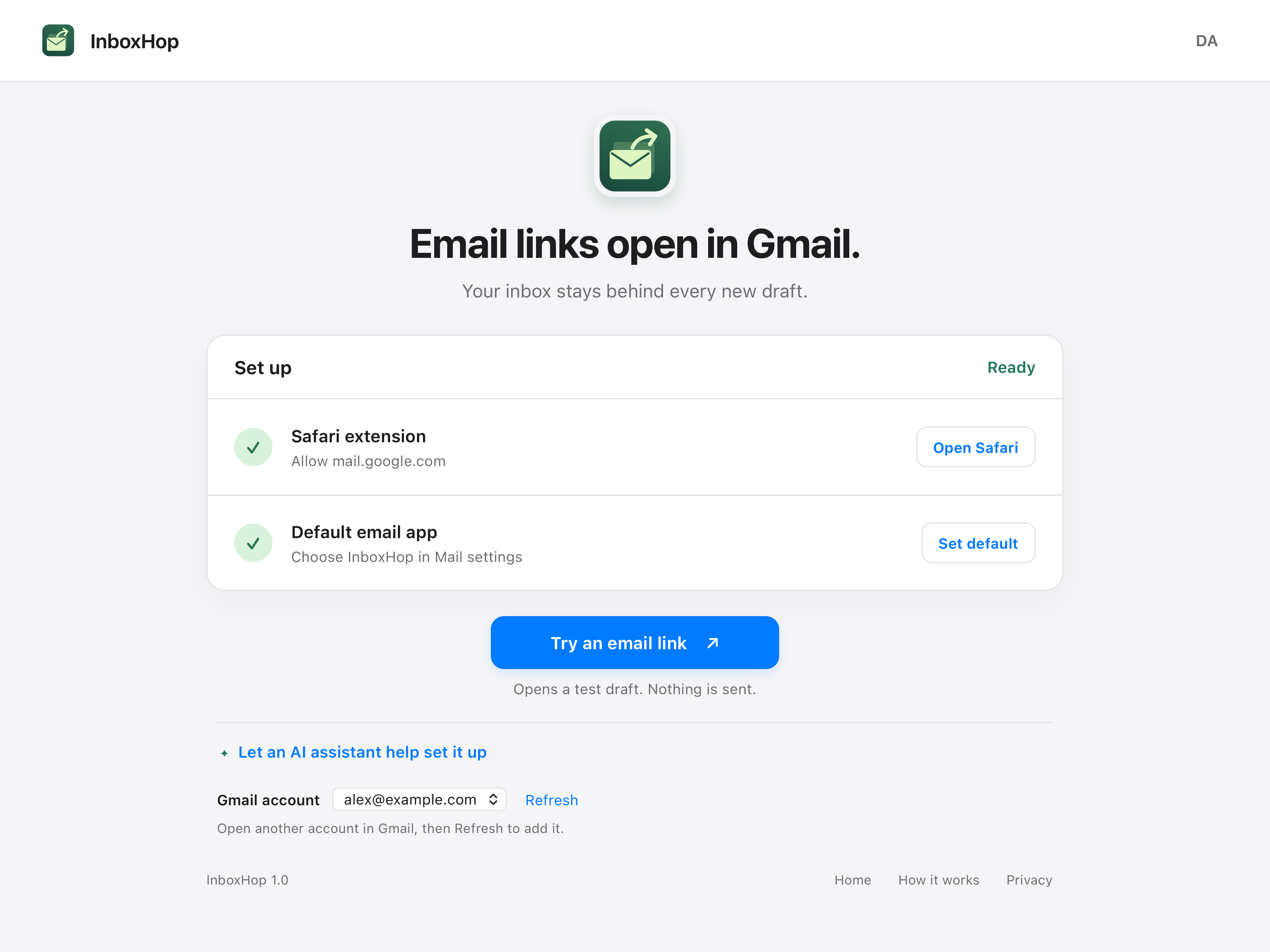
Enable the included Safari extension, allow mail.google.com, and set InboxHop as your default email app. Use the built-in test to check your setup. Requires a Gmail account signed in to Safari. Chrome, Edge and Firefox are not supported in this release.